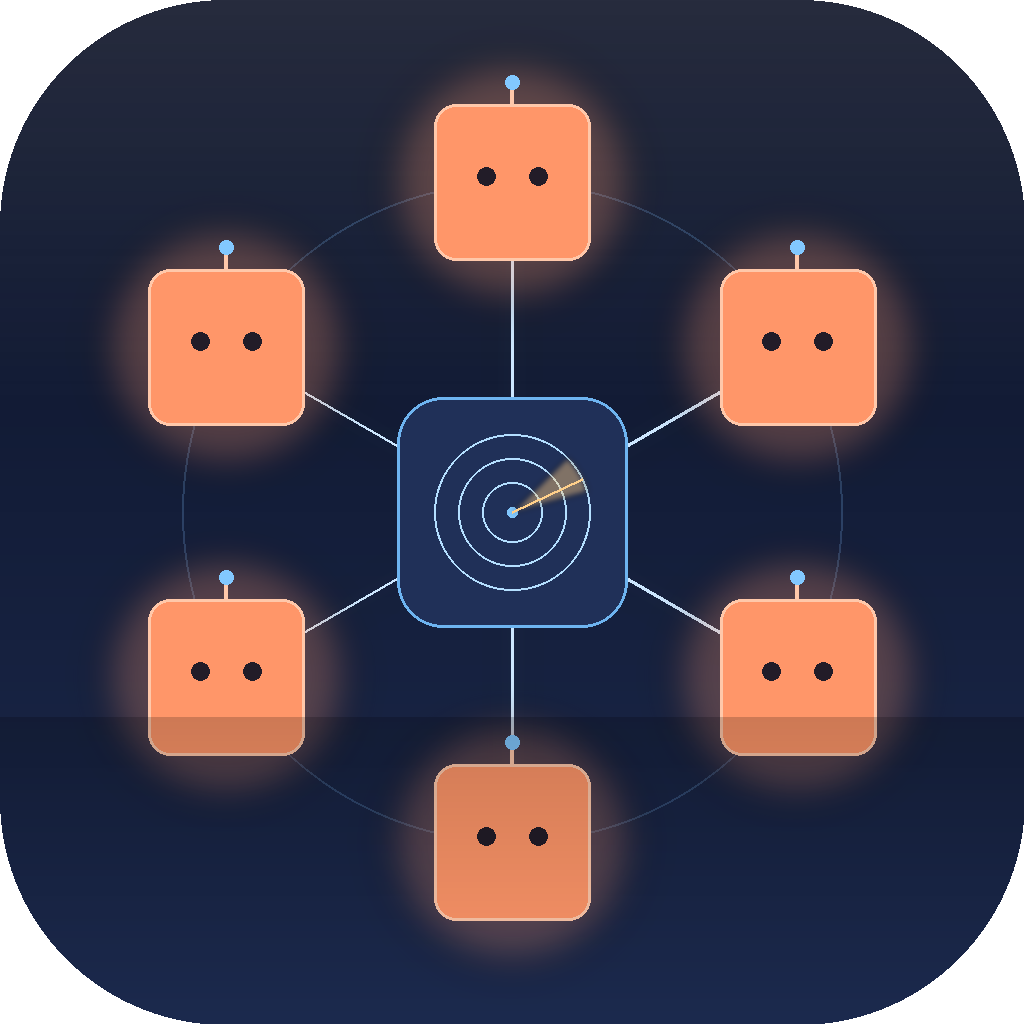
Run every Claude Code session from one channel — and hold the token budget while you're at it.
Run several Claude Code sessions in parallel and two things slip out of your hands: which session needs you, and how fast you're burning your token budget. Dispatch is built to hold both. Every live session becomes a numbered unit on one channel — approvals stack into a single menu, and you talk to any unit by voice instead of typing, the transcript landing straight in the right terminal. A passive meter keeps your 5-hour and weekly burn in front of you, so you see the cap coming instead of slamming into it mid-task.
Keep track of the sessions
Every parallel session on one channel, so you always know which one needs you — and can answer it by voice or a single click, without hunting for the terminal.
🎙️ Run Claude Code by voice
The slow part of working with Claude Code is typing. Press the mic and just say what you want — Whisper transcribes it locally and it lands in the session. Long instructions you'd never type out, quick mid-run corrections, hands-free while you do something else. Lower friction than the keyboard, and it helps even with a single session. With several running, address one by name: "Dispatch to unit three, run the tests, over" goes to UNIT-3, not whatever window has focus.
🛰️ It runs like a radio channel
Each session is a unit and you're dispatch, talking to them the way a control room talks to the field. Say "status check, over" and every unit reports in. They answer back in their own voices, so you can tell them apart by ear without looking. It started as a joke and turned out to be the right model for many workers and one coordinator.
📡 One queue for permissions
Tool-call permissions from every live session funnel into one menu. One click Allow, one click Deny, ALLOW ALL when several stack up. No more alt-tabbing to find which terminal is asking.
🔔 A heads-up when one needs you
When a session is waiting on a permission or has a question, Dispatch fires a macOS notification with the unit and what it's asking. You don't have to keep watching the channel.
🔓 Mirrors Claude's permissions
Reads your permissions.allow (user and project level) and respects each session's permissionMode, so it only prompts when Claude itself would have prompted.
🪟 The whole board in one window
Open it from the menu or with ⌥⌘D: a card for every unit (preview, allow, deny, mute, elevate, copy session id), the channel log, and the token meter, all in one place.
Keep track of the spend
Every session burns your weekly cap, and Claude Code shows no meter — Anthropic exposes no quota API for Pro/Max. Dispatch keeps the burn in front of you.
📈 Passive token meter
Reads usage straight from Claude Code's own logs (deduped by message id — the raw logs over-count ~2.4×) and shows a glanceable 5h + 7d burn gauge. No alarms, no gating. The ceiling is an honest estimate — Anthropic publishes limits in hours, not tokens — labeled as such, and it self-corrects if you ever hit a real wall.
🔕 Quiet by design
An earlier version warned in tiers and gated tool calls when you neared the cap — it fired a false alarm off a guessed ceiling, so it's gone. The meter shows you the number and stays out of your way. You decide what to do with it.
How it's designed
Native remote control lets you reach your sessions from anywhere. It doesn't make the switching go away, it just lets you carry it around. Dispatch is built on the opposite bet: collapse the sessions into one calm surface so you can stop tracking them in your head.
🪟 One place for all of them
Every session on a single surface, not one terminal per agent.
🌙 Quiet until it matters
Status lives in your menu bar and moves to the center only when something needs you. You glance, you don't poll.
📥 Batch the interruptions
Permissions queue into one menu with Allow All, instead of each session interrupting you on its own.
🔢 Labelled, not remembered
Each session is a numbered unit tagged with what it's working on, so you know what's asking without digging for the right window.
🔕 Inform, don't alarm
The meter shows the number and stays quiet. No false urgency, no gating.
🎙️ Lower the cost of input
Voice is first-class, so instructing a session doesn't drag you back to the keyboard.
Install
macOS 13+ on Apple Silicon. Python 3.13, ffmpeg, openai-whisper, and the Claude Code CLI on PATH.
Install the deps
brew install ffmpeg
pipx install openai-whisperClone, build, install the .app
git clone https://github.com/abhitsian/dispatch.git
cd dispatch
python3.13 -m venv .venv
.venv/bin/pip install -r requirements.txt
./make_app.sh
open /Applications/Dispatch.appThe installed app is a thin launcher that runs this clone — so updating is just git pull, no rebuild. Re-run ./make_app.sh only if the launcher or icon changes.
Grant Mic + Automation permissions
macOS will prompt on first use. Allow both — mic for voice transmit, Automation → Terminal/iTerm for typing into your terminals. (System Settings → Privacy & Security if the prompt disappears.)
Turn on cross-session permission gating
Open the dispatch dashboard → ⚙ Settings → 🪝 Hook: not installed. Click to install. Start a new Claude Code session — its permission prompts now route through dispatch. Toggle off the same way any time.